




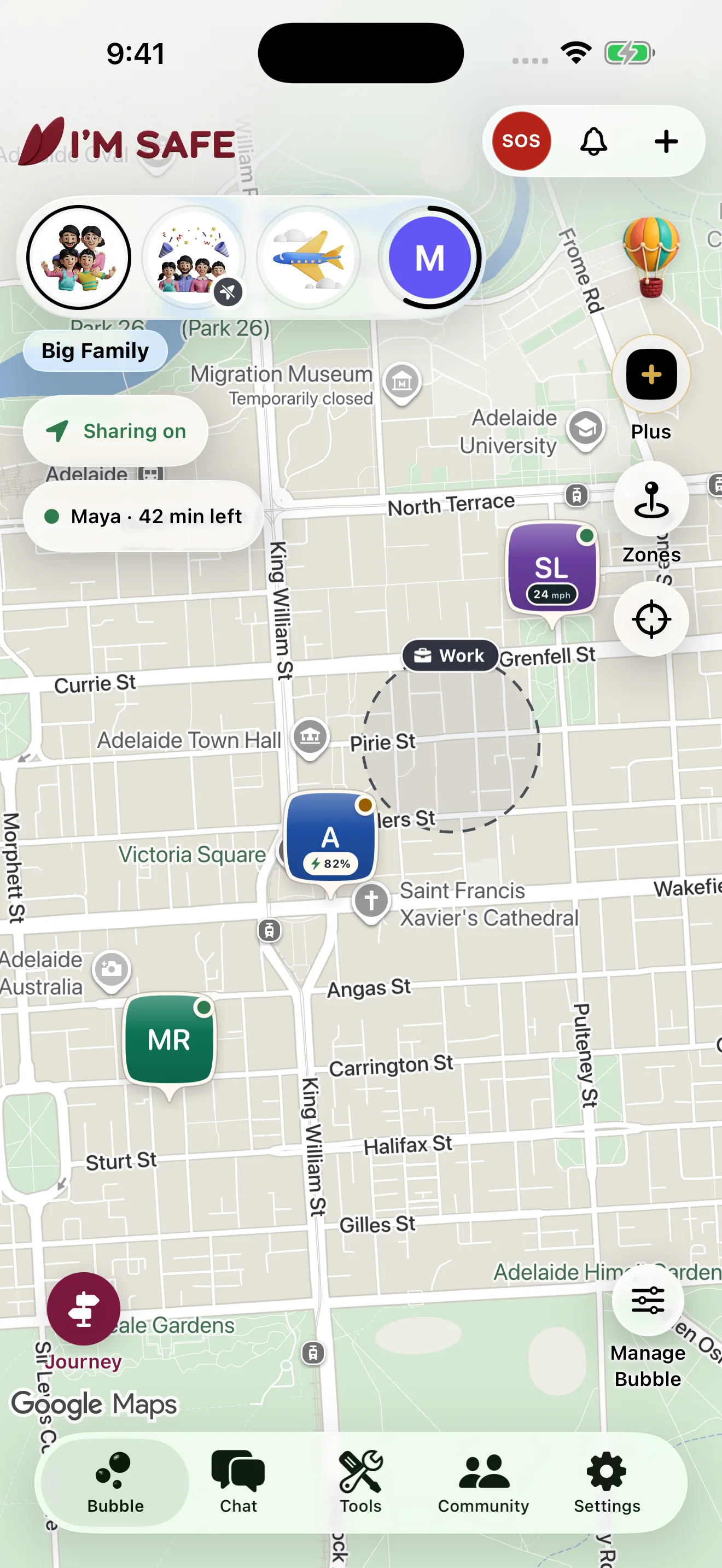
Bubble
An invite-only group.
Nobody joins without an invitation. Each Bubble has its own sharing choice, and every location shows when it was last updated.
Watch: Your Bubble0:52Free personal safety app for family and friends
Create a private Bubble with people you trust. Share your location when you choose, follow a Journey when invited, and alert selected Bubble contacts with SOS. I’M SAFE does not contact emergency services.
Free on iPhone and Android · No device required


Three steps
Get I’M SAFE free on iPhone or Android.
Invite family or friends you trust.
Share with a Bubble, start a Journey or set a Zone when it is useful to you.
Inside the app
Bubbles for your people, Journeys for a trip, Zones for familiar places.
Bubble
Nobody joins without an invitation. Each Bubble has its own sharing choice, and every location shows when it was last updated.
Watch: Your Bubble0:52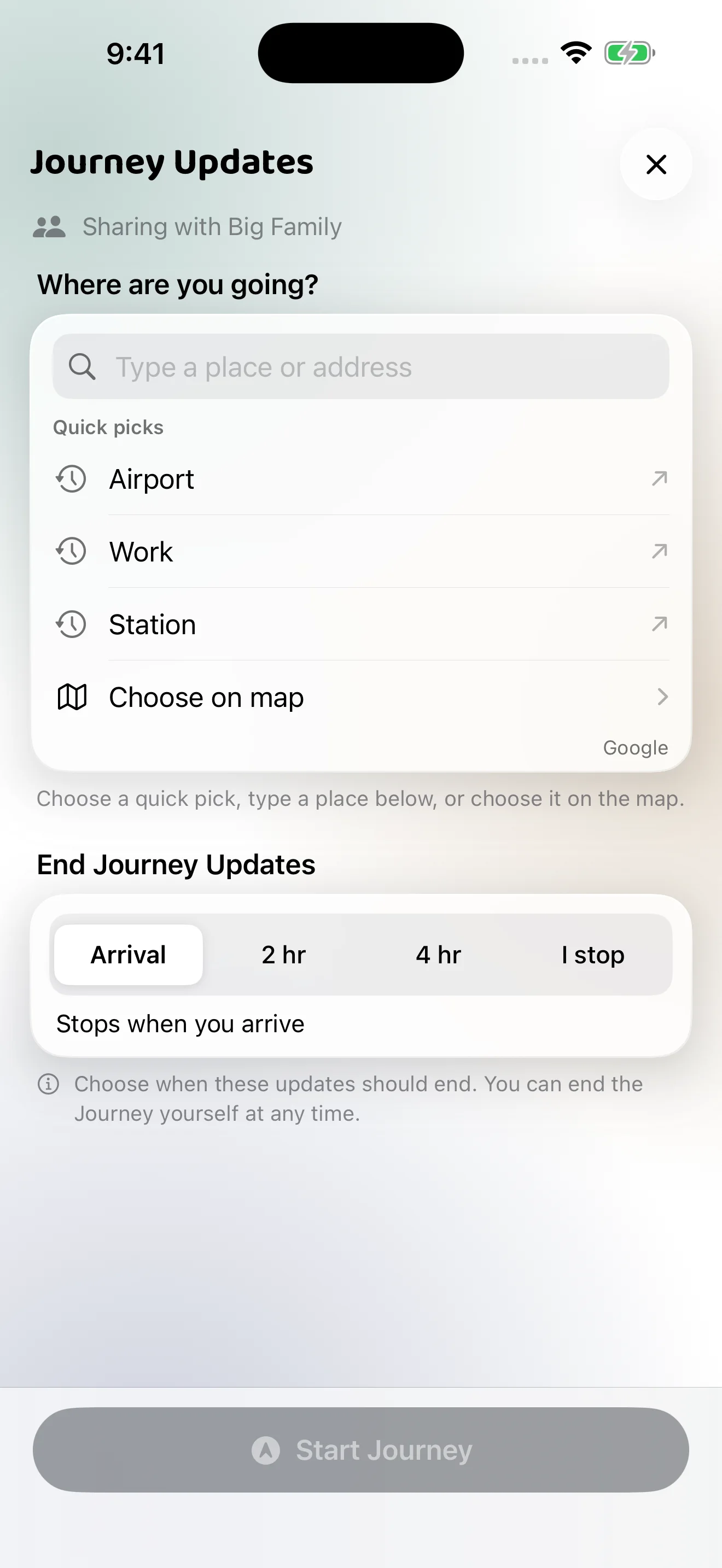
Journey
Invited people can follow your progress until you end the Journey. It is not monitoring, and it does not promise arrival.
Watch: Chat & Journey updates0:53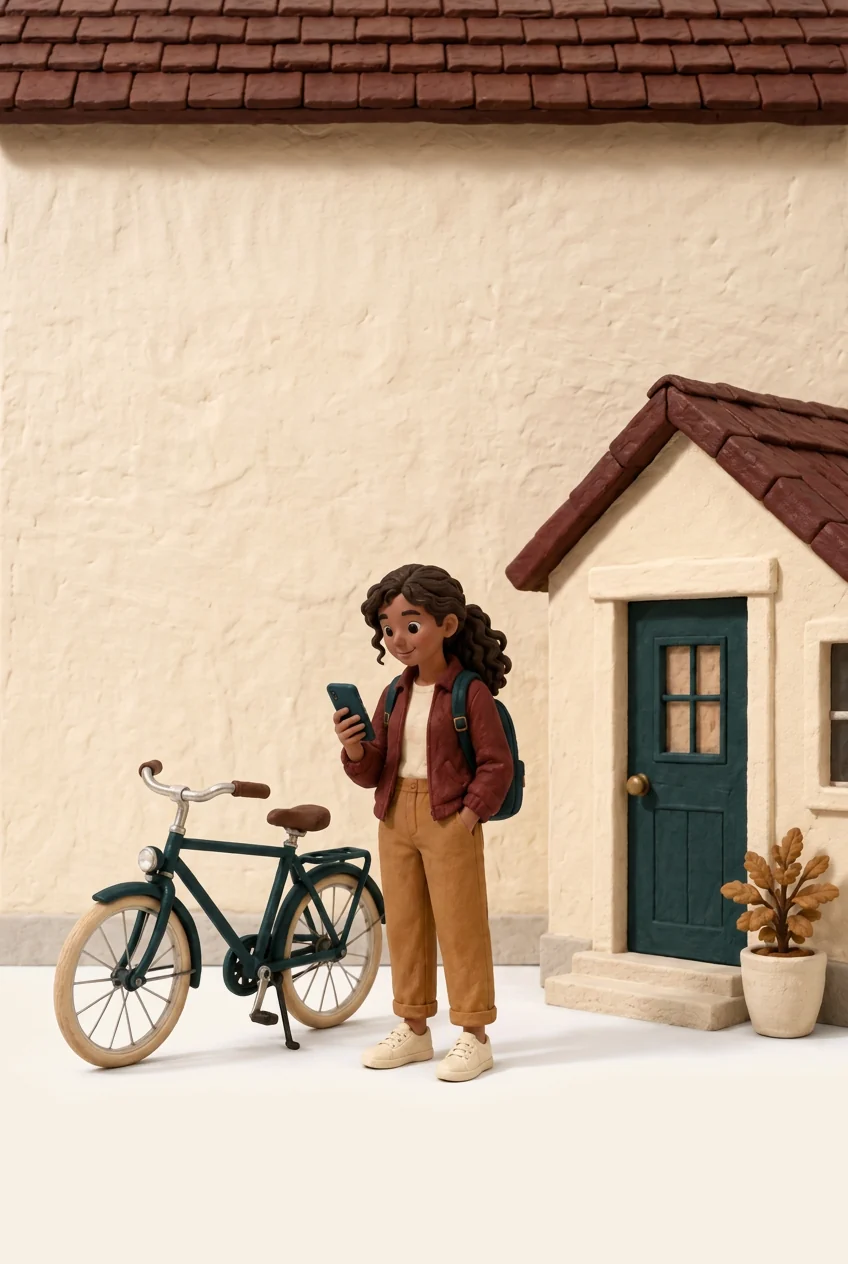
Zones
Save a place such as home or work and let chosen Bubble members get an update when you arrive or leave. Updates depend on sharing, location data and notification settings.
Watch: Zones & Zone Notes0:54Share live location · Included free
Share a live-location link for one, three or seven hours. Your friend can open it in a browser, without joining your Bubble.
See the full sharing flow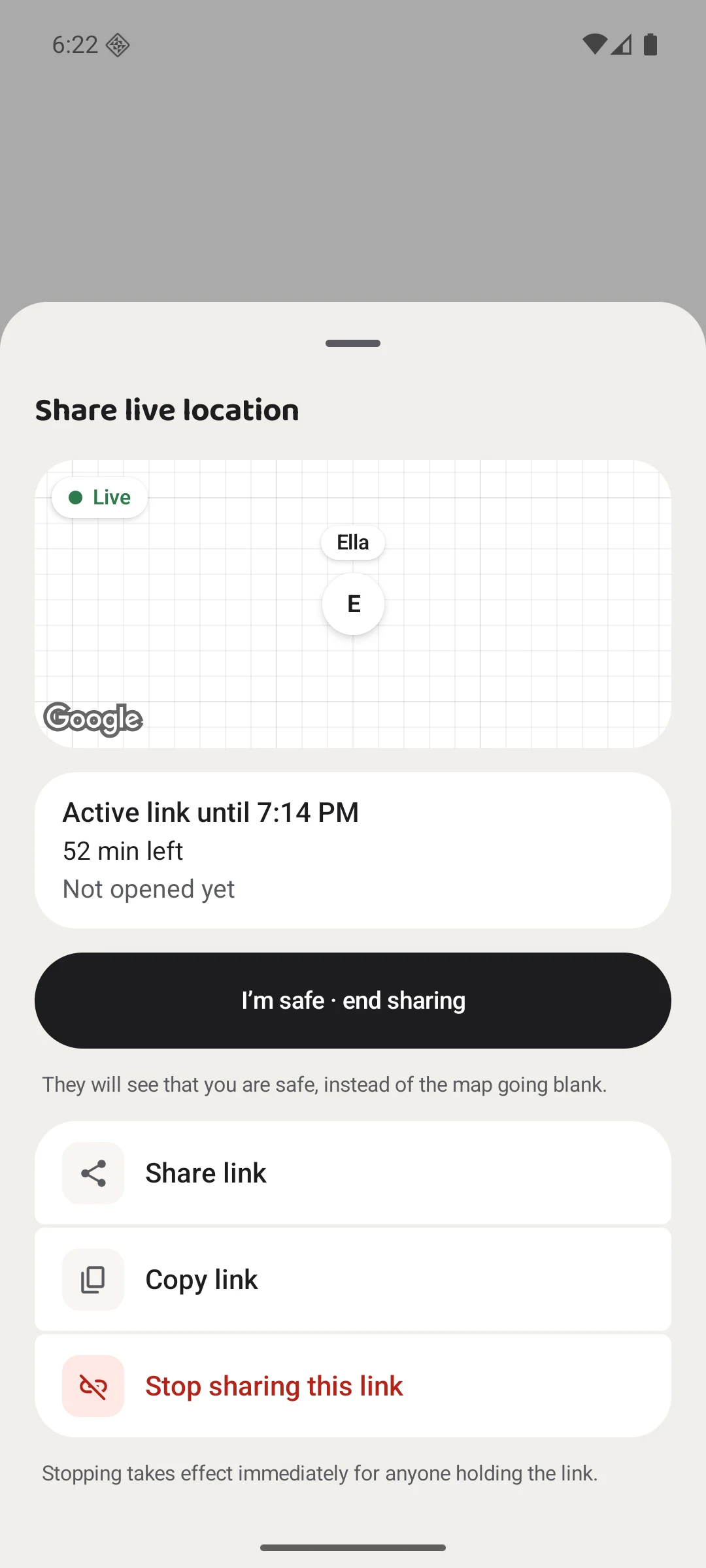
Your link ends automatically. You can also finish early.
Small moments
A small kindness. Time together. A seat at the table.
SOS · Included free
Alert the eligible Bubble contacts you selected and share your live location while SOS is active.
Understand SOS before you need it Watch the SOS guide0:49I’M SAFE does not contact emergency services. In immediate danger, call your local emergency number.
I’M SAFE Plus · Private Vault
Keep selected notes, photos, files and recordings together on your phone, protected by strong encryption and device authentication.
Your records are encrypted with AES-256-GCM and kept separate from your Bubble, with optional encrypted backup and recovery. Add records with eligible Plus access on iPhone and Android; existing records remain available if Plus ends.
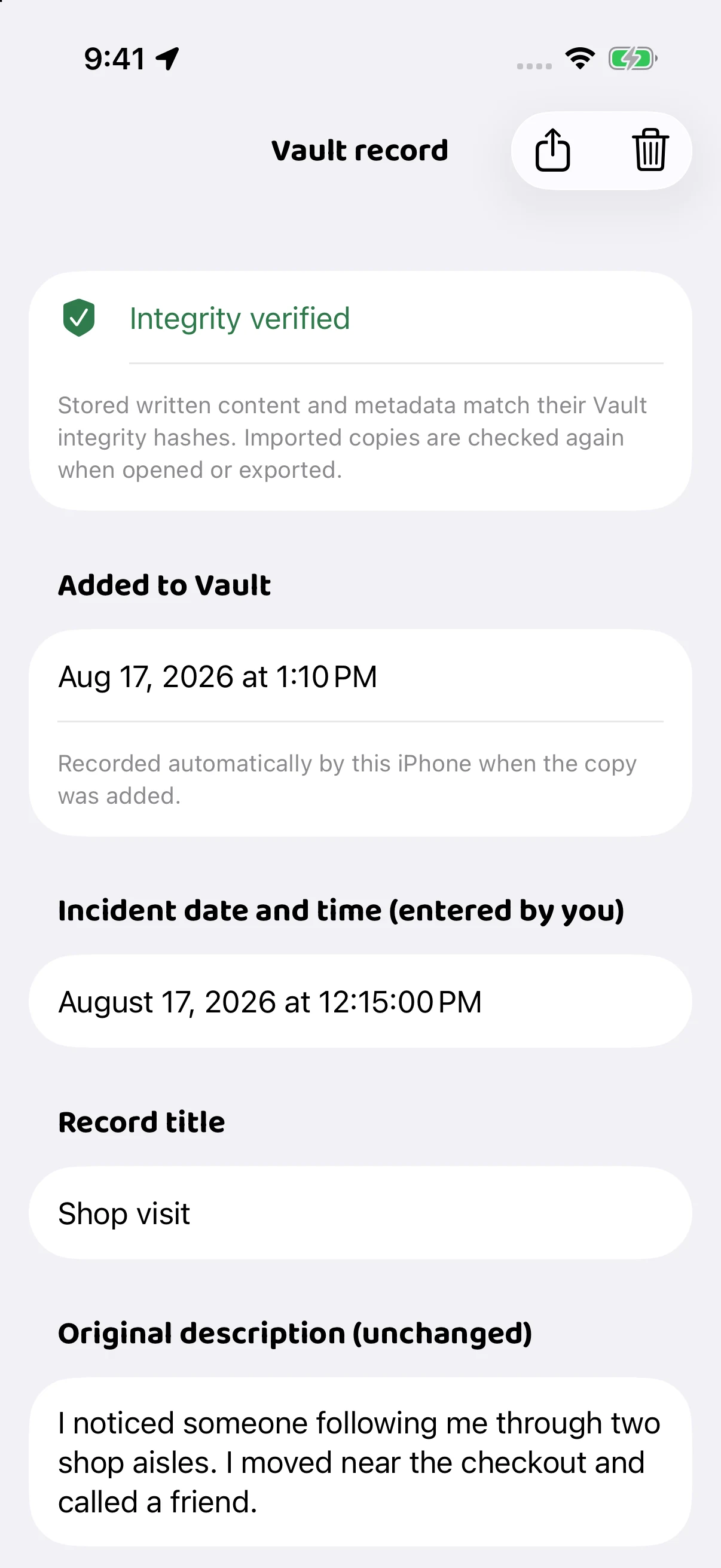
Private records, in one place.
The app comes first
Start free. Add a device only if you want one.
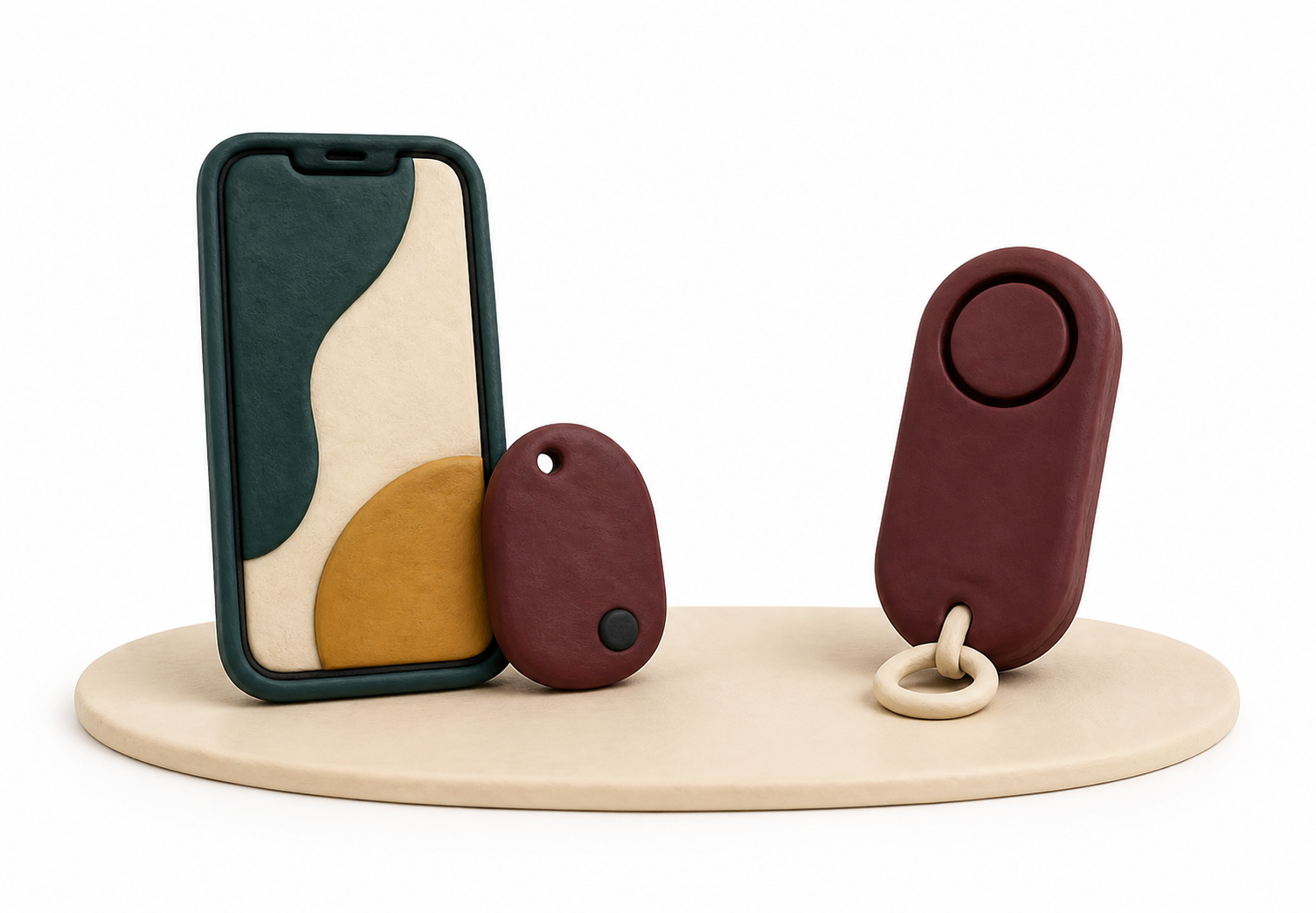
Private Bubbles, controlled location sharing and SOS from your phone.
No purchase requiredA physical button that works through a nearby paired phone.
Needs a phone + BluetoothA loud local siren that works without the app.
Works without the app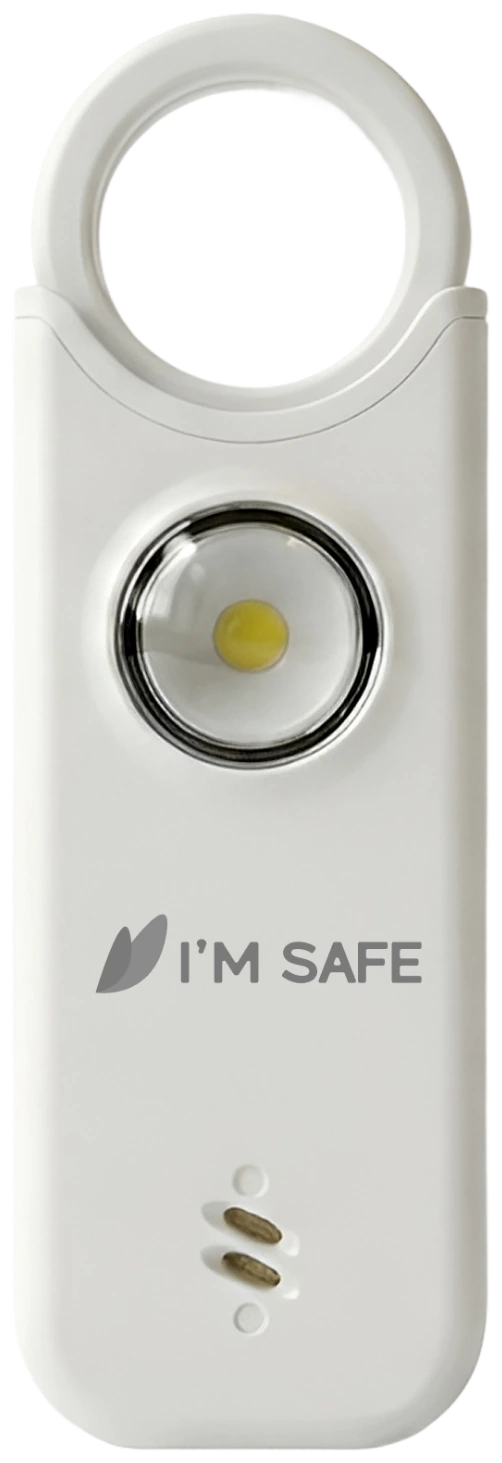
Standalone
A lightweight 135 dB personal alarm that works without a phone or app.
View product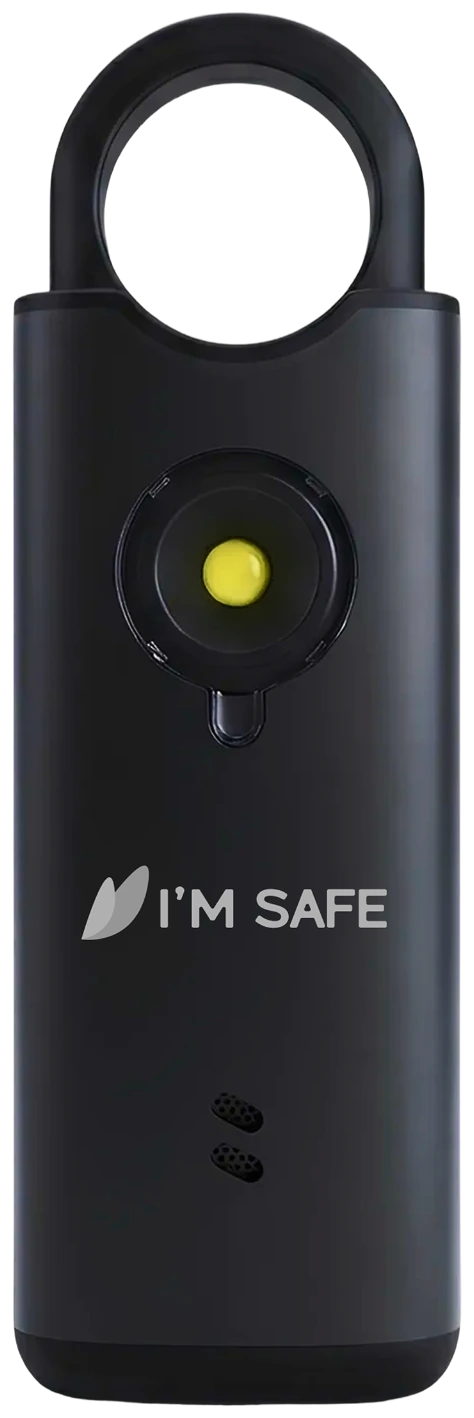
Standalone
A stronger metal-body personal alarm for everyday carry.
View product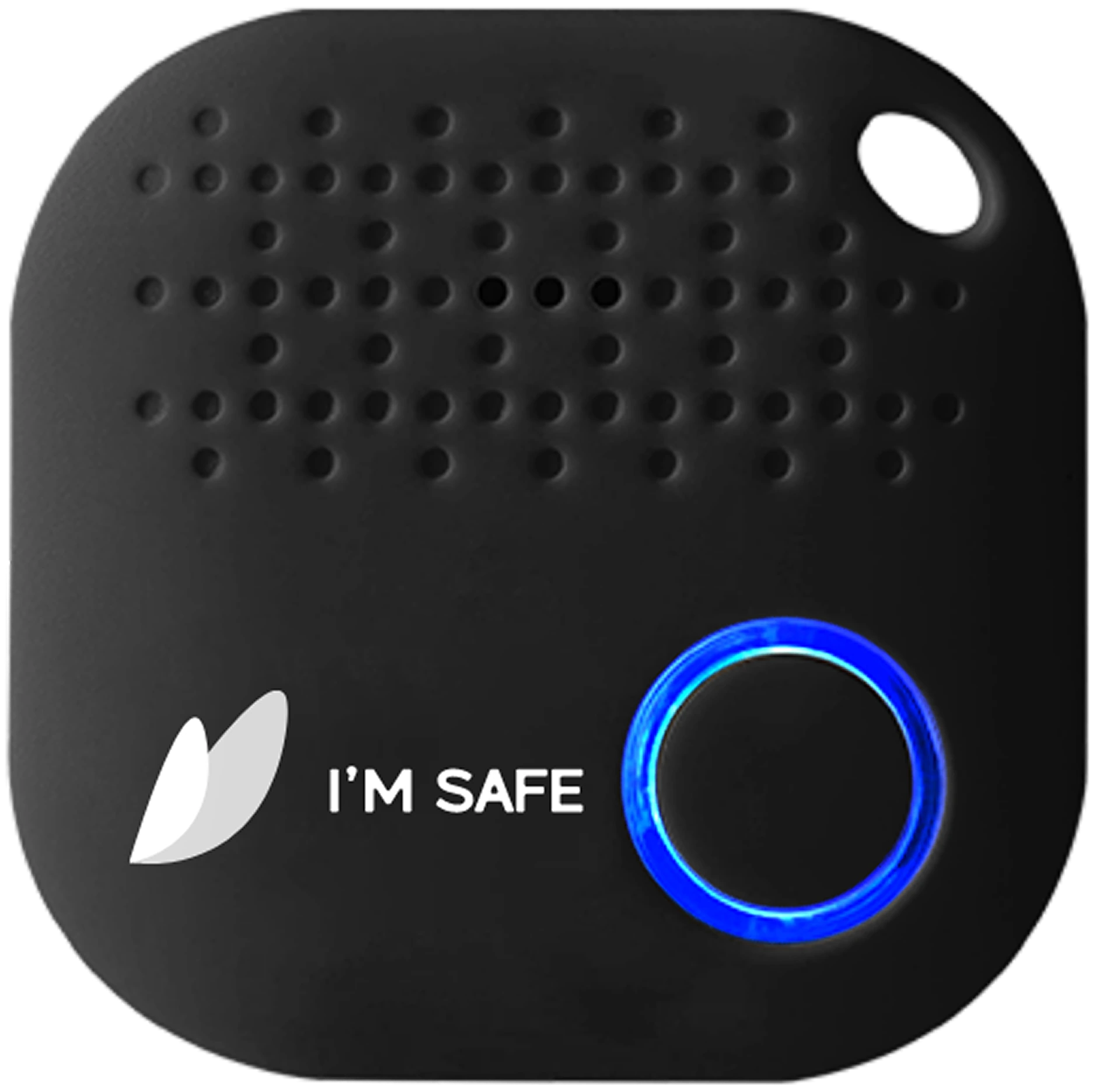
App-connected
A Bluetooth SOS button that works through the free I’M SAFE app.
View product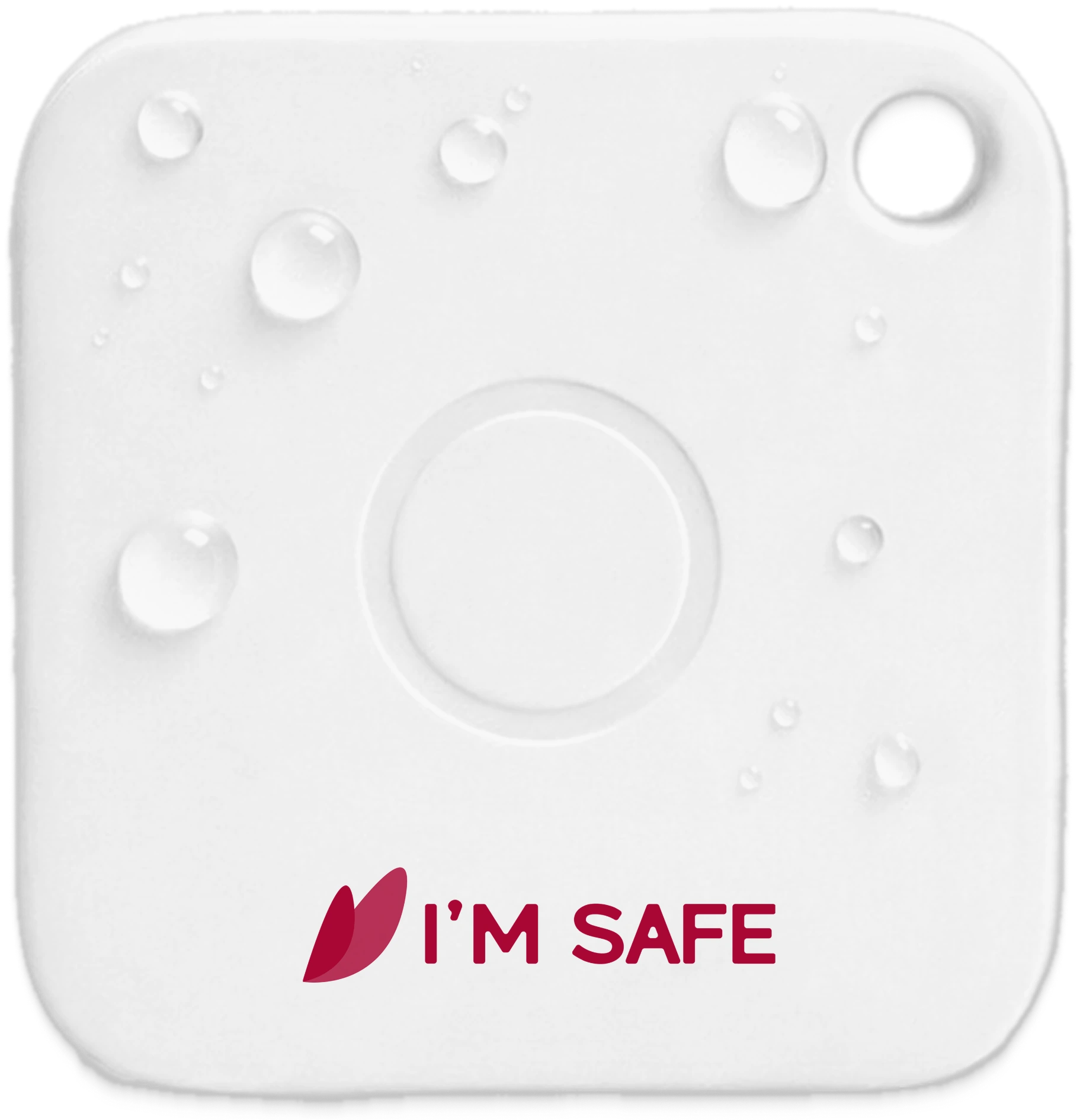
App-connected
A rechargeable, IP67 water-resistant Bluetooth SOS Tag.
View productLocal knowledge
Community brings moderated guides and conversations to eligible signed-in users currently inside Adelaide. It stays separate from private Bubbles.
Community is available in select supported cities, including metropolitan Adelaide. Check the app for current availability and eligibility in your area.
FAQs
Staying connected should leave room for privacy. Choose your people, and choose when you share.
Read our privacy policy
No. The app is free and works on its own. A Bluetooth SOS Tag adds a physical button that works through a nearby paired phone. A Personal Alarm is a separate siren and needs no phone or app.
When you share with a Bubble, its members can see your eligible location. A live-location link is different: anyone holding that link can view the location until it ends. Granting your phone’s location permission does not by itself share your location with a Bubble. Go Private to stop new updates, or leave the Bubble.
SOS alerts the eligible Bubble contacts you selected and shares your live location while the alert is active. I’M SAFE does not contact emergency services. In immediate danger, call your local emergency number.
Check the timestamp first. Connection, battery, permissions and phone settings all affect updates. A last-known location is not confirmation of where someone is now.
Yes. I’M SAFE works across iPhone and Android. Some tools differ by platform: Fake Call is Android only, and Vault and Travel Insights are Plus features on iPhone and Android. Weather is available for Free and Plus accounts from version 4.0.56.
Start free
Download I’M SAFE, create a private Bubble and choose when to share.
Download the free app Free on iPhone and Android. No device required.