Deepika C.
Bangalore
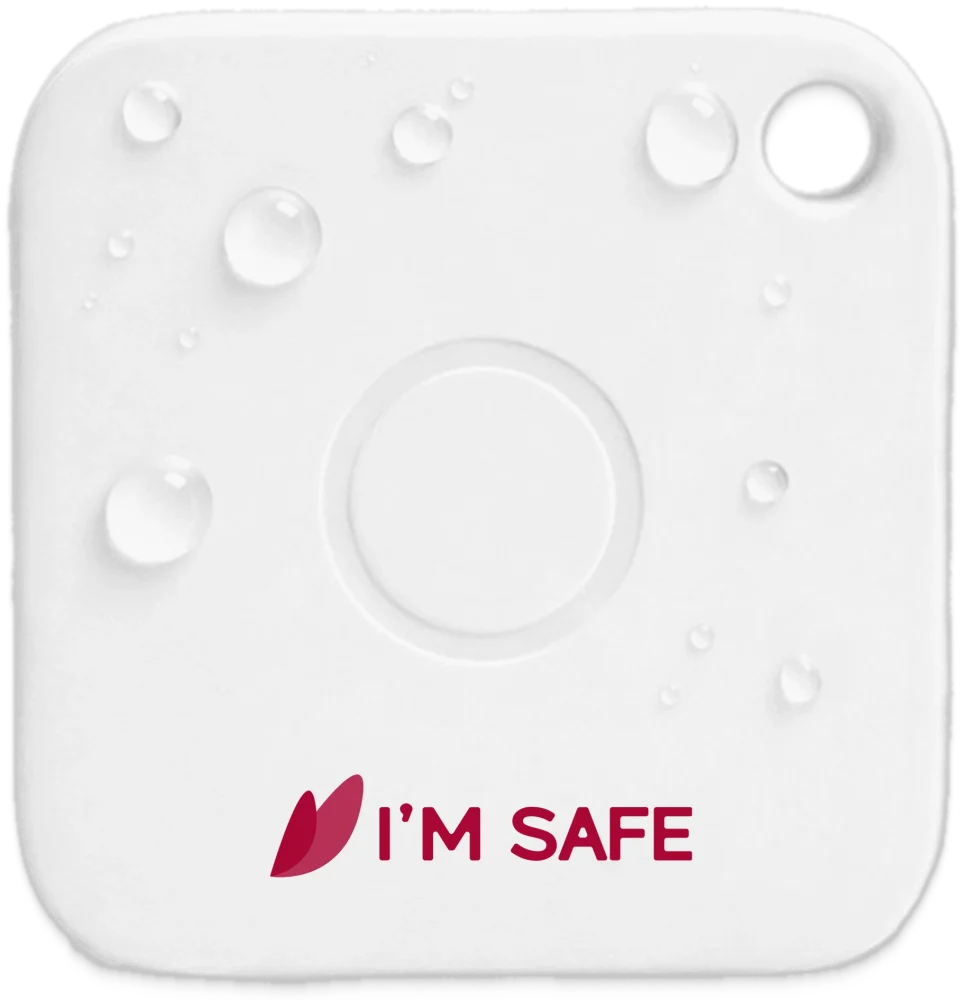
Bought the Classic Tag for my son. It connects to the I'M SAFE app seamlessly. I get notified immediately when he presses it.
App-connected SOS button
A physical SOS button with a replaceable battery.
Physical products are supplied outside India only for bulk orders. Orders ship from India. The customer is responsible for shipping, customs duties, taxes and import requirements.
Delivery region
Prices and availability follow this choice. Physical products outside India are supplied as bulk orders only.
SOS Tags require a compatible phone, Bluetooth and the I’M SAFE app.
Made for the everyday
The SOS tag works through a compatible smartphone with Bluetooth and the I'M SAFE app configured. Long-pressing the tag triggers the SOS action set up in the app. Supported actions depend on the app setup, permissions and connectivity at the time.
Requires a compatible phone, the I’M SAFE app, Bluetooth, permissions and connectivity. It is not a GPS tracker and does not contact emergency services.
How I’M SAFE works Download the free app
A simple setup
Connect the Tag through the I’M SAFE app on a compatible smartphone.
Keep Bluetooth, required permissions and connectivity enabled.
The Tag triggers SOS through the app on your nearby paired phone.
No. The tag needs a compatible smartphone with Bluetooth enabled and the I'M SAFE app configured.
The I'M SAFE app, available on the Apple App Store and Google Play.
Long-press (press and hold) the tag's SOS button. The action is delivered through the I'M SAFE app on your paired phone.
Yes. When phone and tag are within Bluetooth range you can ring the phone from the tag, and ring the tag from the app. The app also shows the last connected location and alerts you if the two get separated.
No. The tag is a Bluetooth SOS button - it is not a real-time GPS tracker. The app records the last connected location.
Customer reviews
Real experiences shared by I'M SAFE customers.
Based on 28 published product reviews
Deepika C.
Bangalore
Bought the Classic Tag for my son. It connects to the I'M SAFE app seamlessly. I get notified immediately when he presses it.
Rajiv N.
Delhi
The Bluetooth connection is surprisingly stable. It triggers the SOS on my phone instantly.
Sangeeta B.
Pune
Nice little Tag. App setup took me about 10-15 minutes to fully understand the Bubble feature, but it works like a charm now.
Arvind S.
Chennai
I bought these for everyone in the house. The live-location sharing through the app when the Tag is pressed is a lifesaver.
Pallavi K.
Kolkata
Very lightweight. I gave it to my elderly grandfather so he can alert us if he falls or needs help in the bathroom.
Manoj V.
Hyderabad
Simple and effective. Just press it and the contacts in my Bubble are notified.
Find your fit